
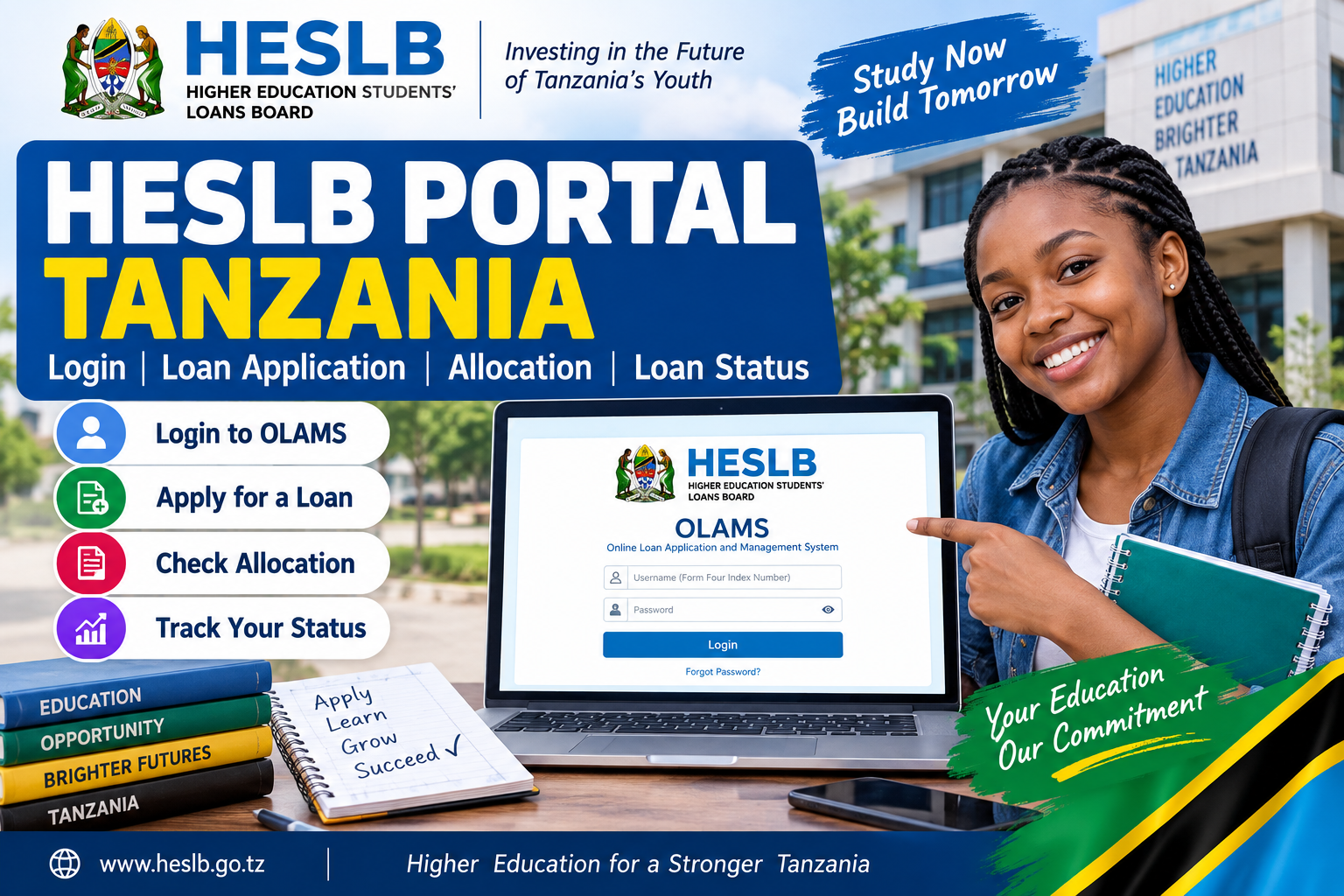
HESLB Portal Tanzania: Login, Loan Application, Allocation and Loan Status
The HESLB Portal is the main online system used by students in Tanzania to apply for higher education loans, follow their applications and check loan-related information.
HESLB stands for Higher Education Students' Loans Board. Its online application system is called OLAMS, meaning Online Loan Application and Management System.
If you are preparing to apply for a higher education loan, start with the official HESLB website and the current application guidelines. HESLB says the application window normally opens once in an academic cycle, and applicants should read the guideline for the relevant year before submitting anything.
HESLB Portal Quick Access Links
These are the main official links you may need:
HESLB Official Website
Visit HESLB
HESLB OLAMS Login
Login to HESLB OLAMS
Start a HESLB Loan Application
Open HESLB Loan Application Portal
Reset HESLB Password
Reset OLAMS Password
HESLB Application Guidelines
View Current Application Guidelines
Before entering your Form Four index number, password or any personal information, check the web address carefully. Official HESLB pages use the heslb.go.tz domain.
How to Login to the HESLB Portal
If you already have an OLAMS account, use the official login page:
The current login page asks for a username and password. The username format shown by HESLB is based on a Form Four index number.
Use the same details connected to your application.
If your password isn't working, don't create another account immediately. Try the password reset option first.
The password reset page asks for your Form Four index number.
How to Apply for a HESLB Loan
HESLB loan applications are made online through OLAMS.
HESLB advises applicants to read the current application guideline, prepare the required supporting information and then submit the application through the online system.
Start here:
The current pre-registration page separates applicants according to their Form Four examination background.
You will see two main choices:
NECTA Students
Non-NECTA Students
Choose the one that actually matches your academic record.
Applying as a NECTA Student
The NECTA option is for applicants who sat Form Four examinations administered by NECTA in Tanzania.
After selecting that option, OLAMS asks for your Form Four index number.
The current form separates the number into details such as candidate type, school number, candidate number and year completed. HESLB also tells applicants to use the same Form Four number used when applying for admission to a higher education institution.
Check that number before you continue.
A simple mistake here can cause problems when HESLB tries to match your application with other education records.
Applying as a Non-NECTA Student
The non-NECTA option is intended for applicants who completed a Form Four examination that was not administered by NECTA or who studied outside Tanzania.
Use that route if it matches your education background.
Don't choose the NECTA option simply because it appears first.
What Documents Do You Need?
There isn't one short list that fits every applicant.
The documents depend on the current guideline and your personal circumstances.
HESLB's general instructions tell applicants to prepare supporting records such as birth certificates, academic certificates and national identification documents, and to make sure required documents are certified by the relevant authorities.
For bachelor's degree applications in 2026/2027, HESLB lists supporting evidence that may include:
a RITA or ZCSRA birth certificate verification code;
a verified death certificate code where a parent is deceased;
disability documentation where applicable;
TASAF beneficiary information for applicants from qualifying vulnerable households;
supporting information for applicants who grew up in orphanage centres;
supporting letters in some special family circumstances.
Not everyone needs every document.
Use the guideline for your programme and situation.
View HESLB Application Guidelines
And make sure the documents you upload are readable. A file being accepted by the upload form doesn't necessarily mean the information inside it can be clearly seen.
HESLB Application Deadline for 2026/2027
This is one area where applicants need to check the current HESLB notice carefully.
The live HESLB website currently displays 18 September 2026 as the deadline for the 2026/2027 loan application window.
However, another official OLAMS page currently displays a notice saying that the online loan application window for the academic year has been closed.
So there is conflicting information across official HESLB pages.
If you are trying to submit an application around the deadline, check the live OLAMS system directly:
Open HESLB Loan Application Portal
The pre-registration page itself is currently accessible and continues to show the NECTA and non-NECTA application routes.
If the system allows you to continue, follow what appears in your account. If it blocks a new application, contact HESLB instead of relying on an old screenshot or third-party website.
How to Check HESLB Application Status
After submitting an application, continue checking your HESLB account.
Don't assume that submission is the last step.
Use:
Your account is the place to look for information connected specifically to your own application.
General announcements on the HESLB website may tell students that a new stage has started, but they won't replace the information attached to your individual account.
How to Check HESLB Loan Allocation
Loan allocation refers to the amount HESLB approves for an applicant after assessment.
When allocation results become available, log in to your HESLB account and check the information attached to your application.
Don't depend entirely on screenshots shared in WhatsApp or Telegram groups.
Your own account matters more.
And remember that being eligible to apply does not mean every applicant will receive the same amount. HESLB uses the criteria published for the particular academic year when assessing loan applications. The 2026/2027 guidelines are available on its official website.
What Is SIPA?
HESLB applicants sometimes see the term SIPA in loan-related information.
SIPA refers to the student's individual account used for personal HESLB information and loan-related communication.
In practice, if HESLB tells applicants to check their SIPA account, it means they should look at the information connected to their individual student record rather than search for a public list on another website.
What If You Cannot See Your Loan Allocation?
Don't panic just because an allocation isn't visible yet.
Loan applications have to be processed before results are released.
Check your account and HESLB's current announcements.
Also avoid opening another account just because you haven't seen a result.
That can make an already simple issue more difficult to resolve.
What If the Loan Amount Is Lower Than Expected?
HESLB may provide an appeal process after allocations are released.
But use the appeal dates and instructions issued for your academic year.
Do not rely on an old article giving appeal dates from 2024/2025 or 2025/2026.
If an appeal process for 2026/2027 is announced, HESLB should publish the relevant instructions through its official channels.
Forgot Your HESLB Password?
Use the official password reset page:
The current page asks for the applicant's Form Four index number.
Enter it carefully.
If the system still doesn't recognise your details, contact HESLB instead of repeatedly creating new accounts.
Common Problems on the HESLB Portal
Wrong Form Four index number
This is easy to get wrong if you have several academic records.
HESLB specifically tells NECTA applicants to use the same Form Four index number they used when applying for admission to a higher education institution.
Check it before submitting.
Choosing the wrong examination type
OLAMS has separate routes for NECTA and non-NECTA applicants.
Use the correct one.
Using old application instructions
HESLB publishes new guidelines for each academic cycle.
For 2026/2027, separate current guidelines are available for bachelor's degree, diploma and other categories.
Information from a previous year can still look convincing even when it is no longer current.
Waiting until the deadline
If your application is ready and the portal is open, submit it.
Waiting until the last hours adds unnecessary risk, particularly when many applicants may be trying to use the system at the same time.
Uploading unclear documents
Before uploading a certificate, ID or supporting document, open the file yourself.
Make sure names, numbers, stamps and other important details are readable.
Using unofficial links
Be careful with links sent through social media or messaging groups.
For HESLB services, check that the site belongs to the official heslb.go.tz domain before entering account information.
Can You Check HESLB Status Without Logging In?
You can read general announcements on the HESLB website without signing in.
But personal application information normally requires access to your account.
Use:
A public notice can tell you that applications are open or that a new guideline has been published.
Your account tells you what is happening with your own application.
HESLB Contact Details
If your problem cannot be solved through OLAMS, contact HESLB directly.
The official HESLB website currently lists:
Phone: +255 736 665 533
Email: info@heslb.go.tz
Working days: Monday to Friday
The main HESLB site currently lists support hours as 8:00 AM to 4:00 PM.
The OLAMS pre-registration page displays the same phone number but shows assistance as available from 8:00 AM to 5:00 PM.
Because those official pages differ slightly on the closing time, contacting HESLB earlier in the working day is safer.
When asking for help, have your Form Four index number and the relevant application details ready.
Never post your password publicly.
HESLB Portal Frequently Asked Questions
What does HESLB stand for?
HESLB stands for Higher Education Students' Loans Board.
It administers higher education student loans in Tanzania.
What is OLAMS?
OLAMS stands for Online Loan Application and Management System.
HESLB uses it for online loan applications and related account services.
What is the official HESLB login link?
Use:
Where do I apply for a HESLB loan?
Start through the official OLAMS application page:
Can I apply as a non-NECTA student?
Yes. The current application page provides a separate option for applicants who sat non-NECTA Form Four examinations or studied overseas.
Is the HESLB application open for 2026/2027?
The live HESLB website currently shows 18 September 2026 as the deadline. However, another official OLAMS page says the loan application window has closed. Applicants should therefore check OLAMS directly for their current application access.
Where can I find the 2026/2027 guidelines?
Use HESLB's official guidelines page:
It currently lists 2026/2027 guidelines for bachelor's degree, diploma and other programmes.
How do I check my loan allocation?
Log in to your HESLB account once allocation information is released and check the information attached to your application.
What if I forget my HESLB password?
Use:
Should I create a new account if my login fails?
Not immediately.
Try resetting your password first. If the problem continues, contact HESLB.
Does everyone receive the same loan amount?
No. Applications are assessed according to HESLB's current criteria and the applicant's circumstances.
Official References
For current information, use HESLB's own pages rather than depending entirely on third-party articles.
Higher Education Students' Loans Board
HESLB Official Website
Loan Application Information
About HESLB Loan Applications
2026/2027 Application Guidelines
HESLB Application Guidelines
OLAMS Login
HESLB OLAMS Login
OLAMS Loan Application
HESLB Application Portal
Password Recovery
Reset HESLB Password
HESLB Applicant Responsibilities
Prospective Student Obligations


Comments (0)