
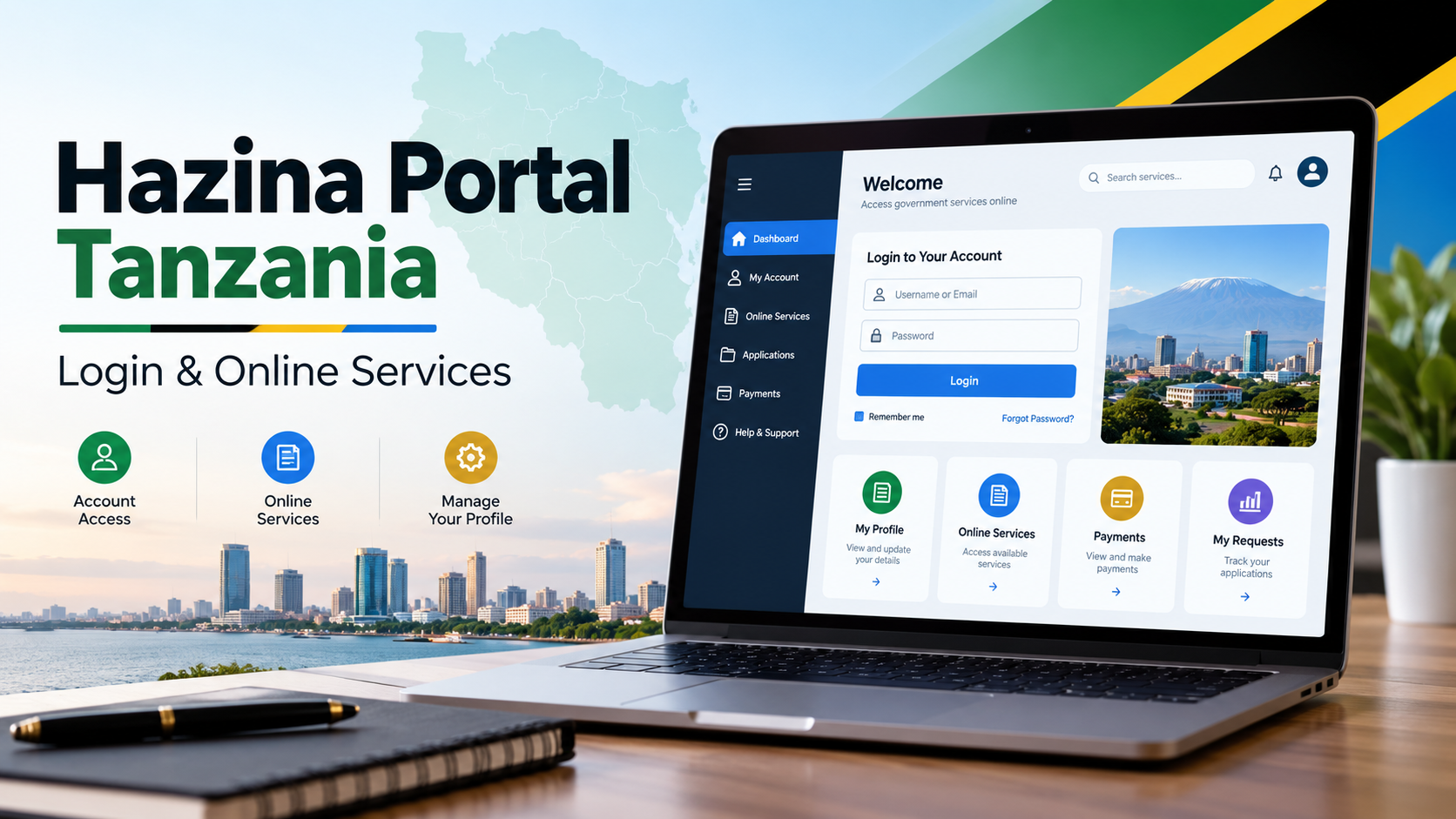
Hazina Portal Tanzania: Login, Registration and Online Services Guide
Hazina Portal is an online government system used by Tanzanian public servants for services connected with Treasury loans and employee information. The official portal is available under the Government of Tanzania at als.muse.go.tz. Its current landing page provides options to log in, recover a forgotten password or register for an account.
For many users, the main reason for accessing Hazina Portal is to apply for a government loan or advance made available through their employer. Government council notices have directed eligible public servants to submit these applications through Hazina Portal rather than relying only on older manual procedures.
Check this carefully: Hazina Portal is not the same thing as the Ministry of Finance Salary Slip Portal, GAMIS or GePG. Those are separate government online services. The Ministry of Finance currently lists Salary Slip, GAMIS and GePG separately among its online services.
Quick Access Links
Hazina Portal Password Recovery
Use the official muse.go.tz portal when entering your employment, salary or bank information. Avoid copied login pages, shortened links or websites asking you to send your password through WhatsApp.
What is Hazina Portal Tanzania?
Hazina Portal is a government system associated with administrative and loan services for public servants.
Its continued use is reflected in government records. A 2026 strategic plan from the Prime Minister's Office lists Hazina Portal alongside systems such as e-Watumishi, PEPMIS, PSSSF Portal and WCF Portal under systems used in administration and human-resource management.
For an ordinary employee, however, the practical purpose is simpler. You may encounter Hazina Portal when your ministry, department, agency or local government authority announces the availability of Hazina loans and asks eligible employees to apply online.
For example, official local-government notices have instructed public servants to register at als.muse.go.tz, verify their employment information and submit loan applications through the system.
That doesn't mean every public servant automatically has a loan available at any given time. Loan availability, allocation, eligibility and application periods may depend on instructions issued by your employer or the relevant government authority.
How to log in to Hazina Portal
If you already have an account, use the official Hazina Portal sign-in page:
Enter your username and password, then follow the instructions shown on the portal.
For users of the employee loan system, the Check Number is used as an important employee identifier and has commonly been used as the username for accessing the portal. The current portal provides a standard login screen as well as links for registration and forgotten passwords.
Don't guess your login details repeatedly if the system rejects them. First confirm your Check Number and make sure you're using the account you originally registered.
How to register on Hazina Portal
New users can start from the official registration page:
Create a Hazina Portal Account
Registration requires more information than simply entering your name and creating a password. The system checks employment and payroll information so that the person registering can be matched with government records.
Official instructions issued to public servants have listed details such as:
Check Number
First, middle and last names
Date of birth
Vote Code
Sub Vote Code
Salary bank account number
Salary scale
Salary grade
Salary step
Government guidance has also advised employees to use the same employment information held in official staff systems when registering.
Having your latest salary slip and correct employment records nearby can help, especially when checking Vote Code, Sub Vote Code, salary scale, grade or step.
Don't estimate these details.
If your official record says one thing and you enter something different, verification may fail.
What happens during account verification?
On the registration page, the employee enters the requested details and asks the system to verify them.
An official 2025 council notice describing the Hazina Portal registration process instructed employees to enter their Check Number, full names, date of birth, Vote Code, Sub Vote Code, salary account number, salary scale, grade and step before selecting the option to verify their details.
Earlier official guidance from Chamwino District Council also explained that, after successful verification, the employee could continue registration and provide further details needed to complete account activation.
Portal screens can change, so follow the fields currently displayed rather than relying on an old screenshot shared on social media.
That part matters.
Using Hazina Portal to apply for a loan
Hazina Portal is commonly used when Treasury loan funds have been allocated to an eligible government employer and employees have been invited to apply.
The process does not necessarily end when you press the application button.
Government guidance on the Hazina loan process has shown that an application may pass through the employee's human-resource office and employer for checking and approval before reaching the Treasury stage. Some procedures have also required forms to be downloaded, signed and uploaded before final employer approval.
So a typical process may involve:
Registering or logging in to Hazina Portal.
Completing the available loan application.
Sending the application through the system.
HR or another authorised officer checking the application.
Completing any forms requested by the employer.
Employer approval.
Further processing by Hazina.
Exact requirements can differ between loan rounds and employers. Follow your employer's latest notice rather than assuming an old procedure still applies.
Who can apply for Hazina loans?
Eligibility should be checked against the notice issued by your employer.
Different councils have published specific conditions when Treasury funds became available. For example, previous official notices have referred to requirements such as permanent employment, confirmation in service, salary affordability and employer approval. Some notices also set a specific application closing date.
Those conditions should not be treated as permanent rules for every applicant in Tanzania.
A teacher in one council, for example, shouldn't assume that a loan announcement issued by another council automatically applies to them. Check with your own HR office or employer and read the latest official notice for your institution.
Information to prepare before applying
Keep your employment information ready before opening the registration form.
Your Check Number is especially important. You'll also need to make sure your names and date of birth match your official staff record.
Salary information deserves extra attention. If the portal asks for your salary scale, salary grade or salary step, use the figures recorded in your employment or payroll information. The same applies to your salary bank account number.
For Vote Code and Sub Vote Code, check your official records rather than copying details from another employee.
One wrong number may be enough to stop verification.
Forgot your Hazina Portal password?
Use the password-recovery option rather than creating another account.
The official Hazina Portal currently displays a "Forgot Password?" option from its login area.
Enter the information requested by the portal and follow the recovery instructions shown on screen.
Avoid registering a second account simply because you've forgotten the first password. Duplicate accounts can create unnecessary confusion, especially when your original account is already linked to your Check Number.
Hazina Portal says "verification failed"
Start with the information you've entered.
Compare your names, date of birth, Check Number, Vote Code, Sub Vote Code, salary account number, salary scale, grade and step with your official employment records.
Pay attention to small differences.
For example, don't enter a different bank account simply because it's the account you currently use for personal transactions. If the portal asks for the salary bank account number, use the account recorded for your salary.
If everything appears correct but verification still fails, contact the HR or personnel office at your employer. They can help you confirm whether the employment information held in the relevant government records is correct.
Repeatedly entering different guesses is unlikely to solve a records mismatch.
I registered but can't log in
First check whether registration was fully completed.
Make sure you're using the correct username and password. Then try the official password-recovery option if necessary.
Also check that you're visiting:
als.muse.go.tz
A page with a similar logo or name isn't enough. Look at the domain before entering a Check Number, bank account number or password.
If the portal itself is temporarily unavailable, avoid immediately creating a new account. Try the official site again and check whether your employer has issued any instructions concerning the service.
Can I check my Hazina loan application status online?
Once you're logged in, use the application information provided inside your account to follow the progress of your submission where status information is available.
Applications may pass through HR, employer approval and Treasury processing, so an application that has been submitted isn't necessarily an approved loan.
If a status remains unchanged and you need clarification, the first practical contact is normally the HR or authorised officer handling Hazina applications at your employer.
They are better placed to confirm whether an application is waiting for internal verification or another administrative step.
Is Hazina Portal the Salary Slip Portal?
No.
Hazina Portal at als.muse.go.tz and the Ministry of Finance's Salary Slip service are separate systems.
The Ministry of Finance website currently lists Salary Slip, GAMIS and GePG separately under its online services.
So if your goal is simply to access a government salary slip, don't assume Hazina Portal is the correct place to start. Go through the Ministry of Finance's official website and choose the relevant Salary Slip service.
Visit the Ministry of Finance Website
Important security checks
Hazina Portal registration can involve sensitive employment and financial information.
Don't send your portal password to someone claiming they can "speed up" your application.
Don't post screenshots showing your full Check Number, salary bank account number or other sensitive payroll details in public Facebook or WhatsApp groups.
And don't pay someone simply for giving you a Hazina Portal login link. The official portal can be accessed directly online.
Before entering personal information, check that the address is on the official muse.go.tz domain.
Ministry of Finance contact details
For general Ministry of Finance information, the official Ministry website currently gives the following contact details:
Ministry of Finance
Government City – Mtumba
P.O. Box 2802
40468 Dodoma, Tanzania
Phone: +255 26 2160000
Email: ps@hazina.go.tz
For a problem involving your personal loan application, employment record or employer approval, contacting your own HR office first may be more useful because part of the Hazina loan process can take place at employer level.
Frequently Asked Questions
What is the official Hazina Portal login website?
The official portal is als.muse.go.tz. Use the dedicated sign-in page to access your account.
Can I register for Hazina Portal online?
Yes. The portal provides an online registration option for users who don't already have an account.
What is my Hazina Portal username?
For the public-servant system, the employee's Check Number is used as the key identification detail and is used for portal access. Make sure you're entering the correct Check Number attached to your employment record.
Why is Hazina Portal not verifying my details?
A mismatch between what you enter and your official employment or payroll information can cause problems. Check your Check Number, names, birth date, Vote Code, Sub Vote Code, salary account number, scale, grade and salary step before trying again.
Can anyone in Tanzania apply for a Hazina loan?
No. Hazina employee loans are linked to public-service arrangements and the availability of funds or instructions through eligible government employers. Check the current notice from your employer before applying.
Does registering on Hazina Portal mean my loan has been approved?
No. Registration gives you access to the system. A loan application can still require checking and approval by HR, the employer and other authorised stages before final processing.
Should I use an old Hazina Portal application deadline I found online?
No. Published deadlines can belong to a particular council, employer or previous loan round. Always check the latest announcement from your own employer.
Official References
Official Hazina Portal — Government portal for login, registration and account recovery.
Ministry of Finance Tanzania — Official Ministry website and government online-service information.
Hanang District Council Hazina Portal Notice — Official local-government guidance covering Hazina Portal registration details and employee information required for verification.
Chamwino District Council Hazina Loan Notice — Official guidance on registering and applying through Hazina Portal.
Prime Minister's Office Strategic Plan 2026–2031 — Current government document listing Hazina Portal among public-service administrative systems.


Comments (0)